





This is a cache of https://www.owenscorning.com/en-us/roofing/designeyeq. It is a snapshot of the page as it appeared on 2026-03-19T07:23:43.758+0000.
Roof Color Visualizer | Design EyeQ® | Owens Corning Roofing
Skip to main content

VISUALIZE YOUR NEW ROOF IN
4 EASY STEPS

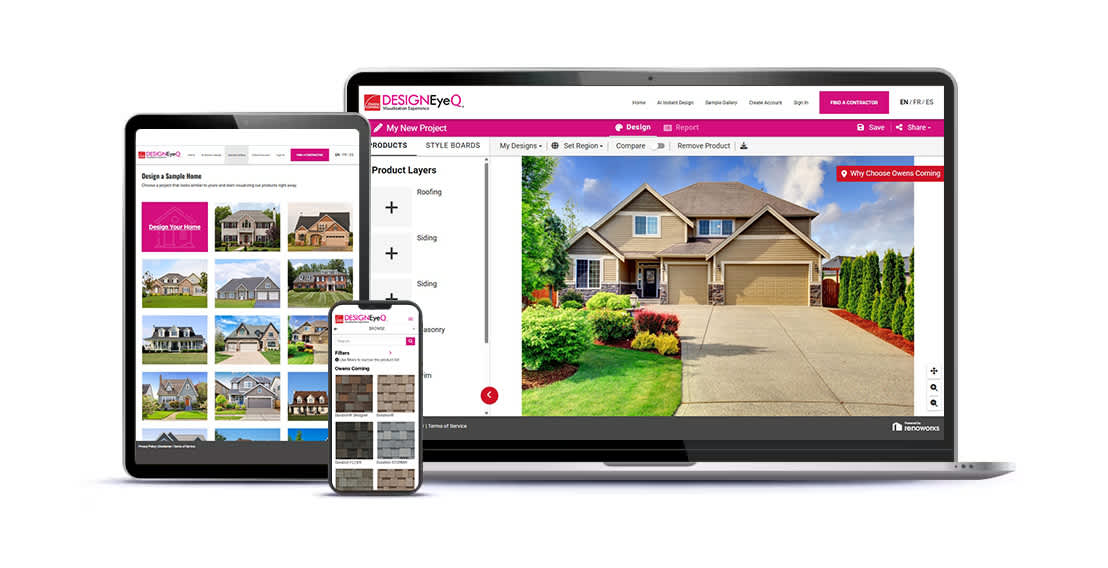
There are many roofing shingles and shingle color options. Design EyeQ® is here to help you "try on" a new Owens Corning roof so you can narrow down your color selection. This way, in the end you won't just like the results, you'll love them.

Before you start designing, check out our how-to guide for helpful tips and tricks.  

_____________________

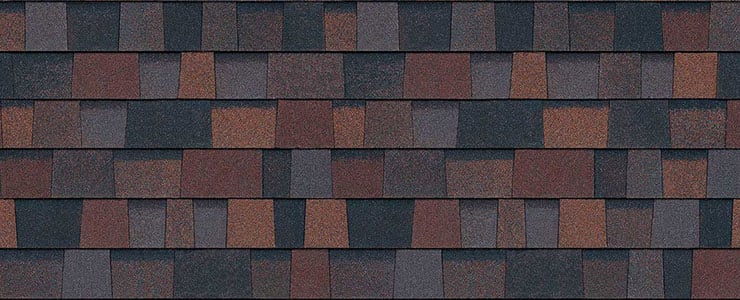
Williamsburg Gray - TruDefinition® Duration® Shingles
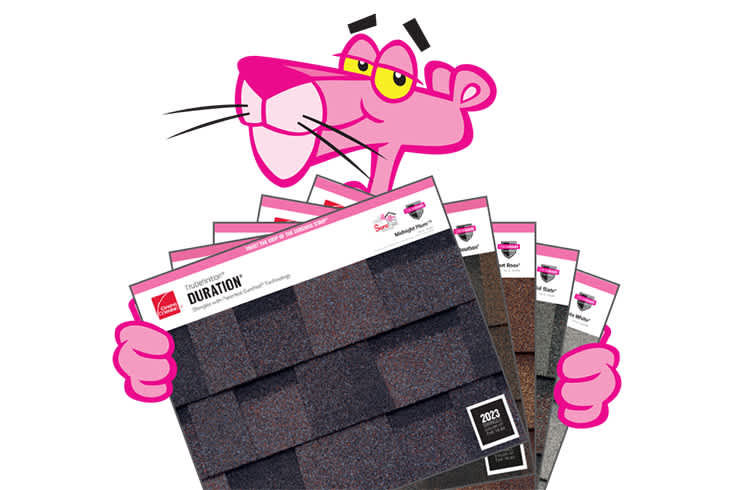
Pink Panther hand masking a roof image on a tablet using Owens Corning Roofing Design EyeQ Visualization tool

DESIGN YOUR ROOF

Imagine. Explore. Design. Create.

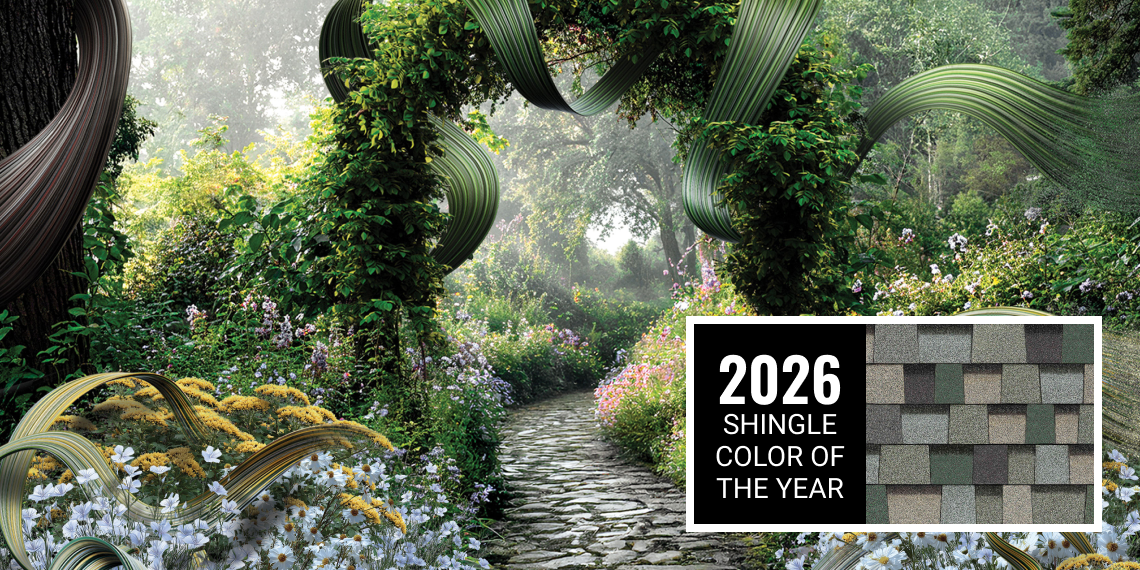
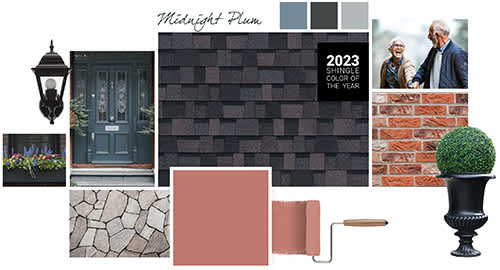
Don’t overlook the power of using color on your roof to help coordinate exterior accents like paint, trim and even landscaping. 

"Try on" your new roof with the Design EyeQ® Roof Visualizer tool from Owens Corning, an industry leader in shingle color.

Sample Image of Roofing Shingles

Color Accuracy

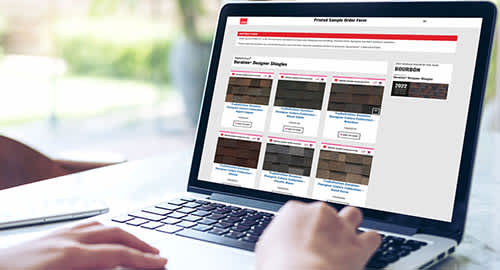
As color experts, we know getting the shingle color right is a big part of any roofing purchase. We recommend you start online to research and narrow down your shingle color options. Due to computer monitor color variations, we suggest you request an actual shingle sample to see how it will appear on your home and with your home’s exterior elements in various natural lighting conditions. Lastly, verify your color choice by seeing it installed on an actual home; your roofing contractor or supplier can provide a sample and may be able to direct you to a local installation.

Planning a roofing project?

NEXT STEPS: YOUR NEW ROOF

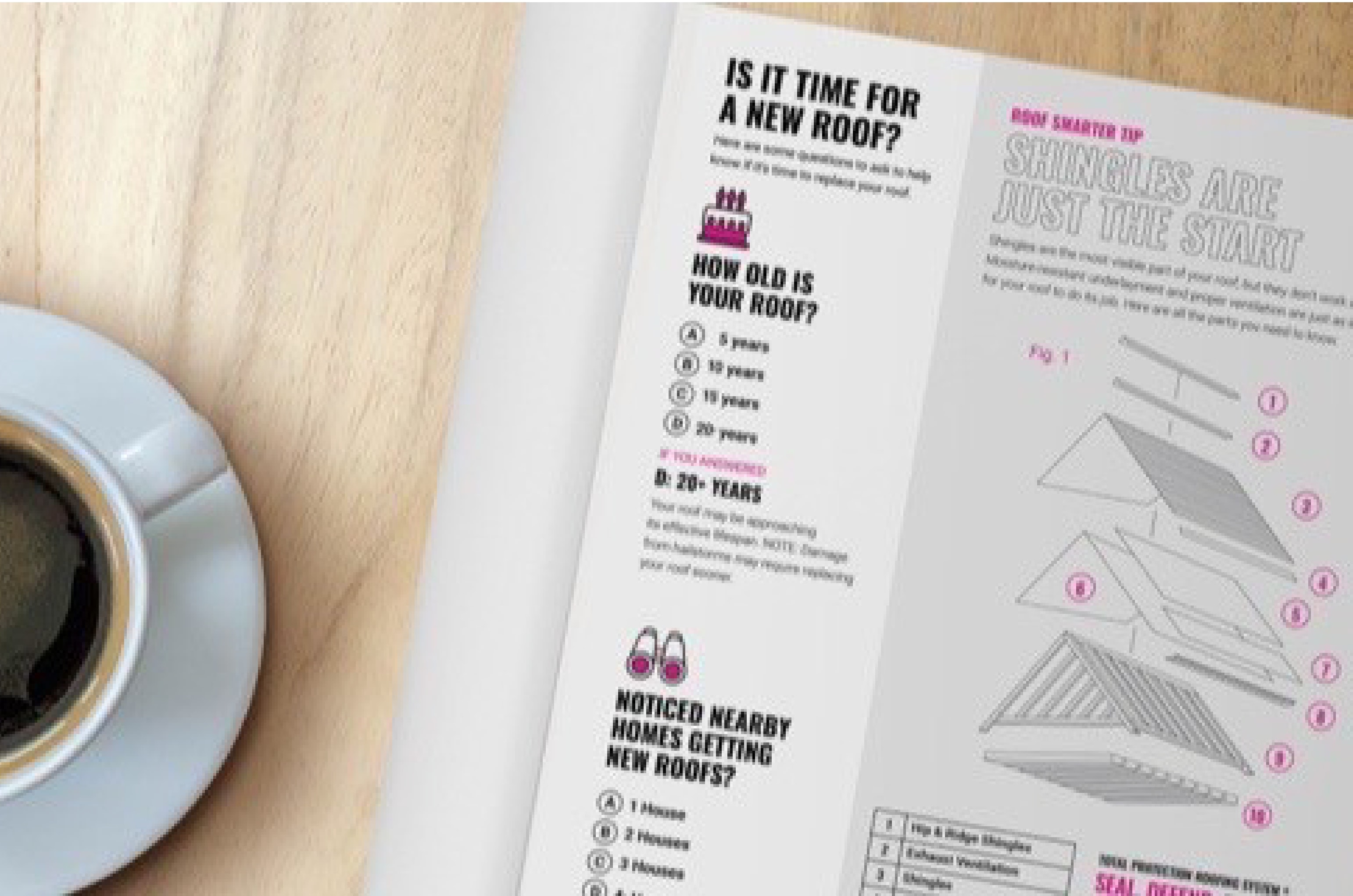
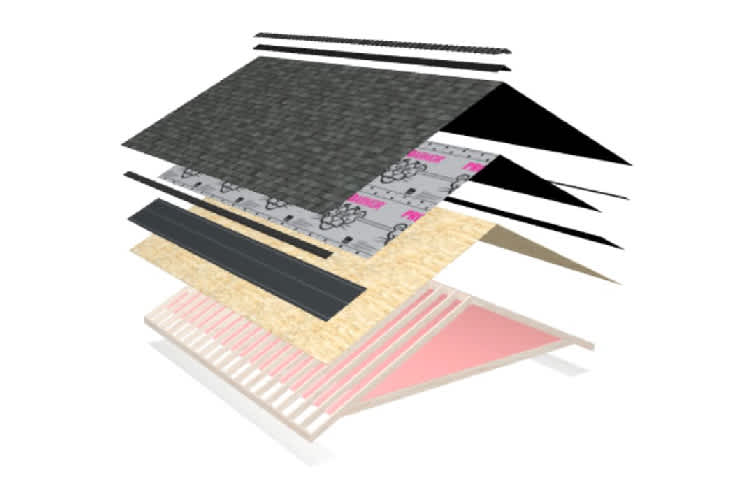
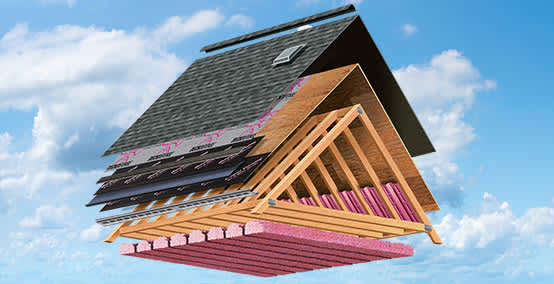
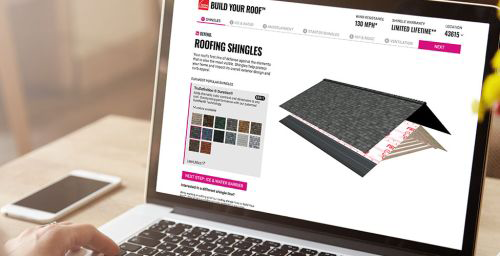
Visualizing your new roof is just one of the many exciting elements of starting a roofing project. Explore these educational tools to learn more about the re-roof process, use Build Your Roof® to explore The Total Protection Roofing System®, and more!