


This is a cache of https://www.owenscorning.com/en/composites/self-service-training. It is a snapshot of the page as it appeared on 2026-02-06T12:15:43.214+0000.
Customer Portal Resource Hub | Owens Corning Composites
Skip to main content

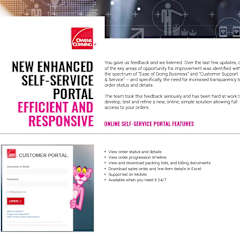
Leveraging the customer portal

This Resource Hub offers a one stop location for the answers to all your Portal questions, such as:

  • How to onboard a Customer?
  • How to see what your Customer sees on the Portal?
  • How to manage your Customer's users?
  • Why should my Customer use it?
  • How do I talk to my Customer about the Portal?
  • How to report issues or request enhancements?

However, before we begin, please watch this short video for a quick introduction.
Getting Started

The information and materials in this section are for internal use and training of Owens Corning Employees only.  They should not be shown or shared externally.

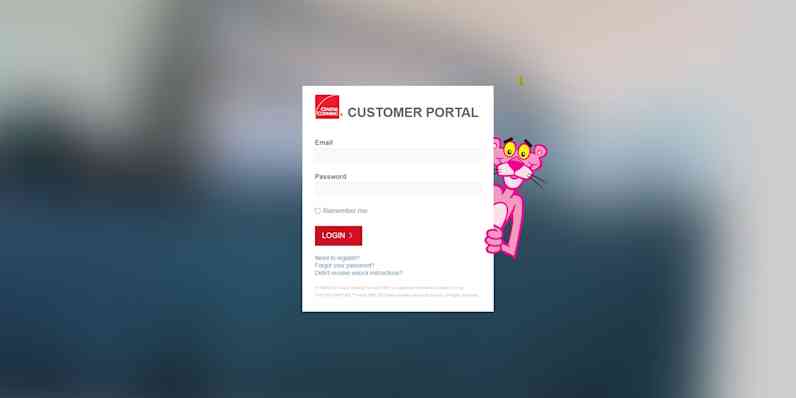
How do Customers Log-in?Portal Log-in

Share the following URL with your customers to access and use the Portal

Portal Log-in URL

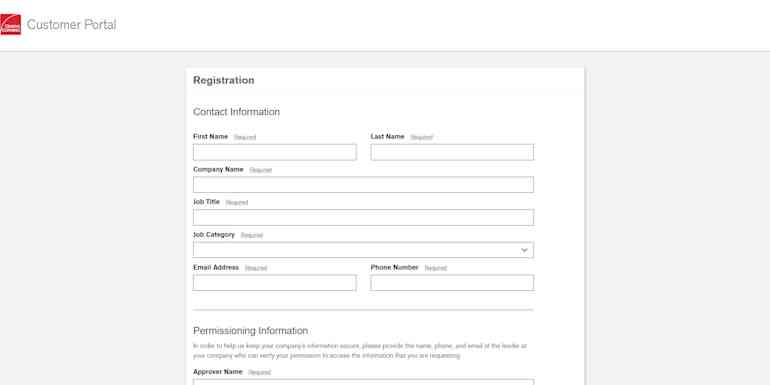
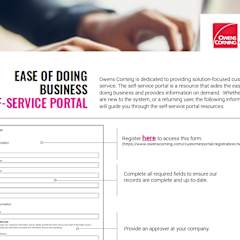
How to Register a Customer on the Portal?Customer Registration Process

If you encounter a customer needing or requesting access for the first time, there are three options:

  1. Send them to the Portal Log-in URL and advise to click on "Need to Register" link
  2. Reach out to your Regional Portal Subject Matter Expert (SME)
  3. Following the Registration Process Guide below
Registration Process Guide

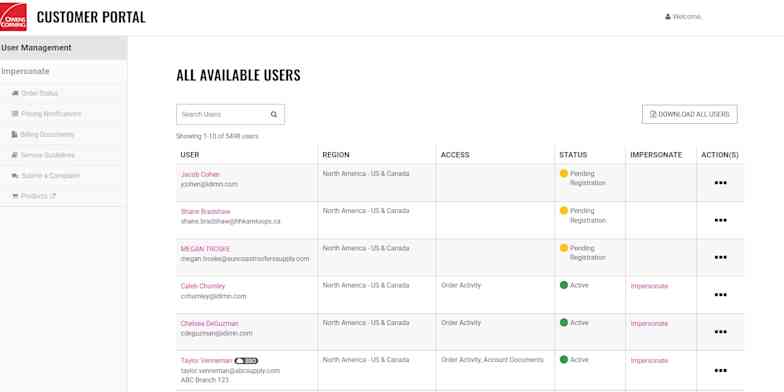
What Information do we have on our Customers in the Portal?User Management

  • Learn what details we have on our customers
  • How to navigate behind the scenes
  • How to manage the user’s (customer’s) permissions
User Management Walkthrough

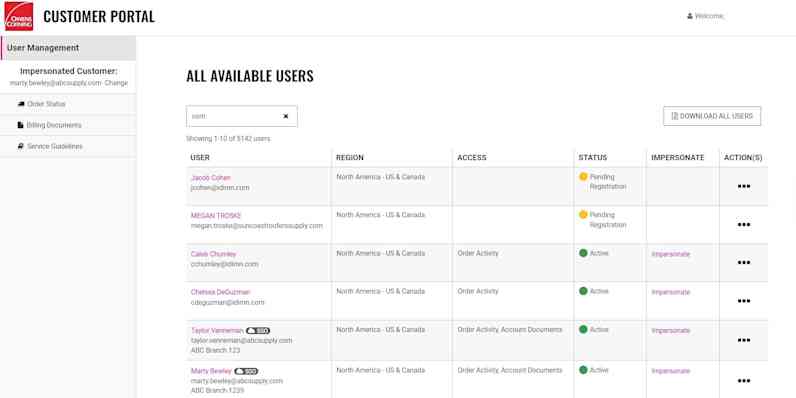
How can I see what my Customer Experiences?Impersonating a User

  • Navigate through your Customer's Pages from their perspective
  • How to request access to your Customer's Pages
  • How to view Customer data even if they are not on the Portal
Impersonating Guide

Customer POrtal Navigation

The information and materials in this section are for internal use and training of Owens Corning Employees only.  They should not be shown or shared externally.

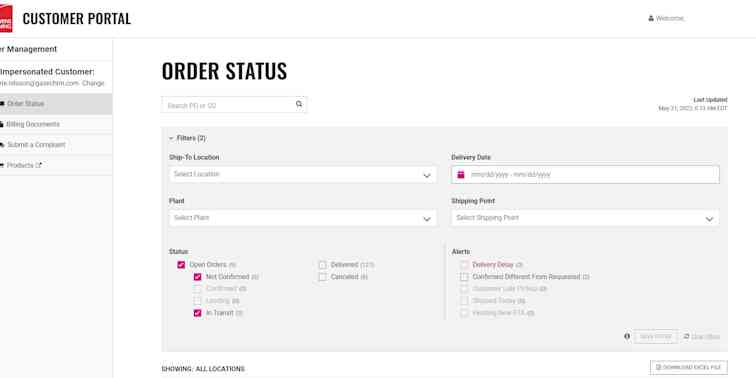
Order Status Page

  • What does the Customer see?
  • How to manage the filters
Order Status Page Guide

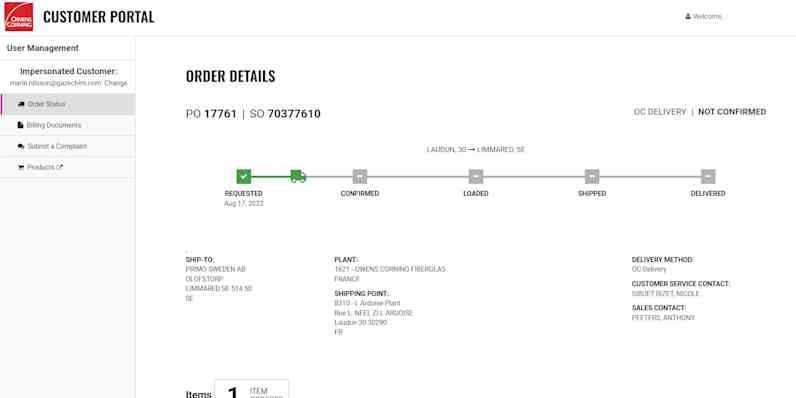
Order Detail Page

Click on any order to access specific shipment details

Order Detail Guide

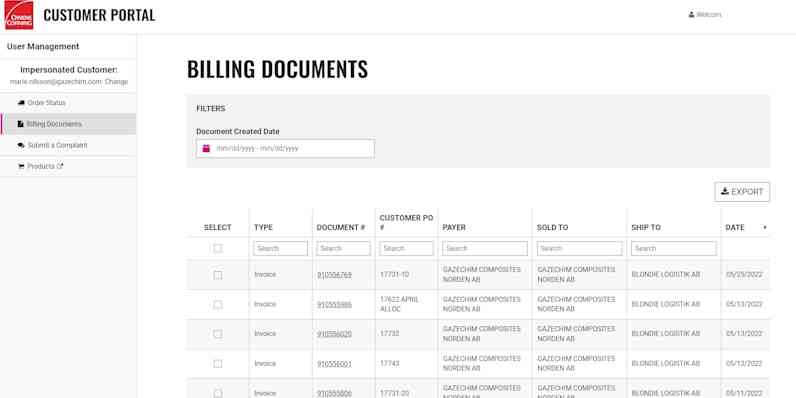
Billing Documents Page

Access all invoices, credits, debits, etc.

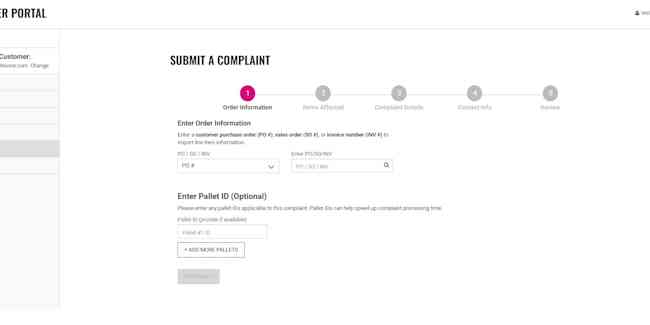
Only Available in North America & EuropeComplaints Form

Customer has ability to Submit a Complaint

Customer POrtal Support

The information and materials in this section are for internal use and training of Owens Corning Employees only.  They should not be shown or shared externally.

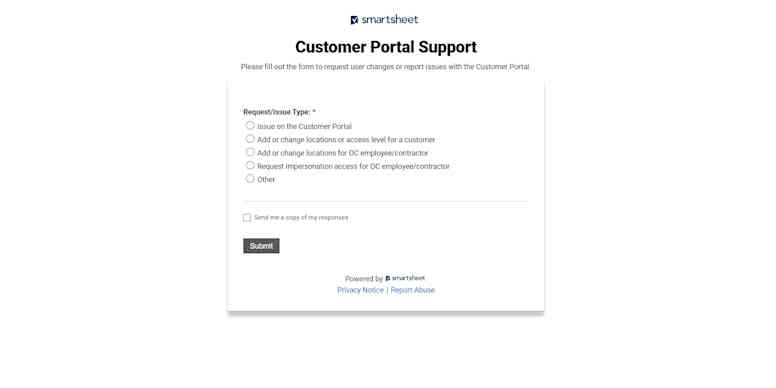
Request Support Form

Utilize the Request Support Form to initiate tickets related to:

  • Report issue on the Portal
  • Add or change locations or access level for a Customer
  • Add or change locations for Owens Corning Employee/Contractor
  • Request impersonation access for Owens Corning Employee/Contractor 
Click here to access Request Support Form

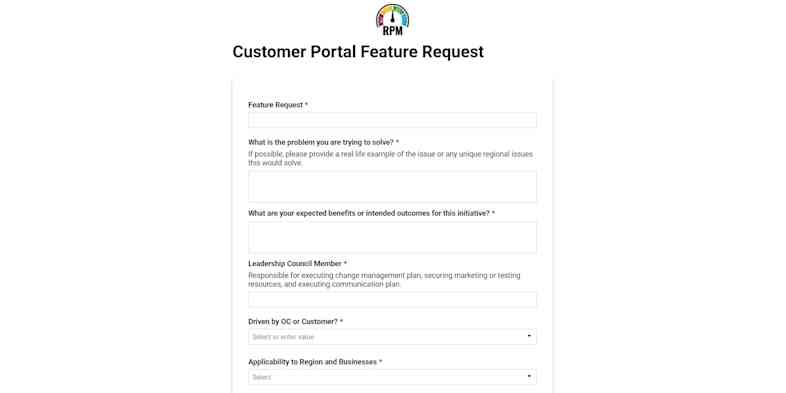
New Feature Request Form

Feedback from customers about new features or enhancements are added to our prioritization queue through this form.

This is intended to also act as a business case/use case documents so that's why it's quite detailed - you may want to partner with your Regional Subject Matter Expert (SMEs) to complete it.

Click here to access Feature Request Form

Portal Subject Matter Experts (SMEs)

These individuals work with Business Product Owner on process improvement opportunities, executing and/or coordinating resources for business testing, translations, portal demos, training, registrations and account changes.

Feel free to contact your Regional Portal SME for guidance and questions related to any of the following:

  • Live Portal Demos for employees or customers.
  • Request Regional Promotional Marketing Collateral
  • Troubleshooting Portal Questions not covered in this Resource Hub.

FAQs

Customer Registration

Impersonating Customers

Order Status Page

Order Details Page

Billing Documents & Pricing Page

Portal promotion to customers

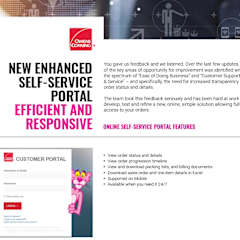
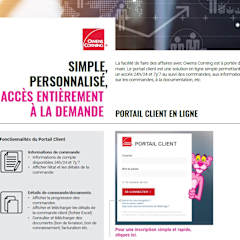
These documents have been approved to share with our customers. Please feel free to distribute as necessary.