Q. What is Lead Management powered by Toolsey®?
Q. How do I access the lead management platform?
Q. How do I manage users within the lead management platform?
Q. What is the benefit of using Lead Management powered by Toolsey®?
Q. What about leads from Owens Corning’s Find a Contractor (FAC) page?
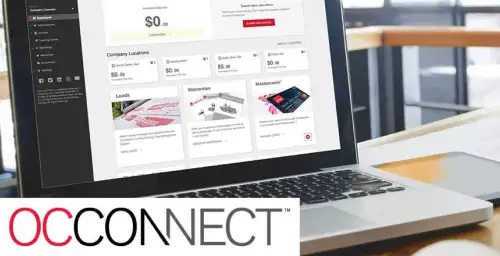
A. Lead information submitted through Find A Contractor on owenscorning.com will appear in your Lead Management powered by Toolsey® account accessible via the OCConnect™ Resource Center.
Q. How quickly are leads assigned to a salesperson?
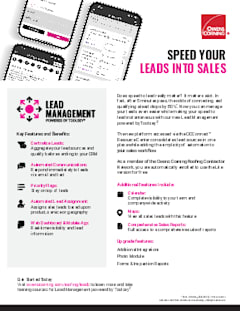
A. When a lead appears in Lead Management, it is immediately assigned to the appropriate salesperson based on your preferences.
Q. What is the methodology used to assign leads?
A. You have the option to choose from multiple assignment profiles to distribute your leads. You can opt for a simple rotation, also known as a “round-robin,” or a team assignment based on team geography or product type. Alternatively, you can assign an individual salesperson based on geography or product.
Q. What is the cost for Lead Management powered by Toolsey®?
Q. What additional features are available via Toolsey®?
Q. How do I pay for additional features I’m interested in using?
A. You have the option to select the use of promo funds or credit card to pay for the Basic or Premium subscription plans.
Q. Is there a long-term contract with Toolsey®?
Q. What does the mobile app version do and how can I find it?
A. The mobile app can be found via the App Store and is designed for your sales team to view lead information that comes into Lead Management in order to respond quickly, edit, or add additional information. Users can also add a lead manually that will then appear in Lead Management. This is great for capturing referrals or other leads while in the field.
Q. If I am already a Toolsey® customer, how do I take advantage of the integration benefits?
Q. What integrations are available with Toolsey®?
Q. I’ve just upgraded my subscription plan. What should I do next?
A. Congratulations on your upgrade! Now you’ll want to set up your additional integrations. Visit Linked Accounts to learn what information you need to get started.
Q. If my account gets downgraded, what happens to my integrations?
A. If your account gets downgraded to the Lite plan, the very first integration that you set up will remain active for the next billing cycle. All other integrations will become inactive until you upgrade your plan.